

Made by the developers of Xshell on Windows. Connect over SSH and Telnet, open Windows desktops over RDP, transfer files with SFTP, and keep several sessions side by side in tabs. The power of Xshell is now on your HarmonyOS PC.
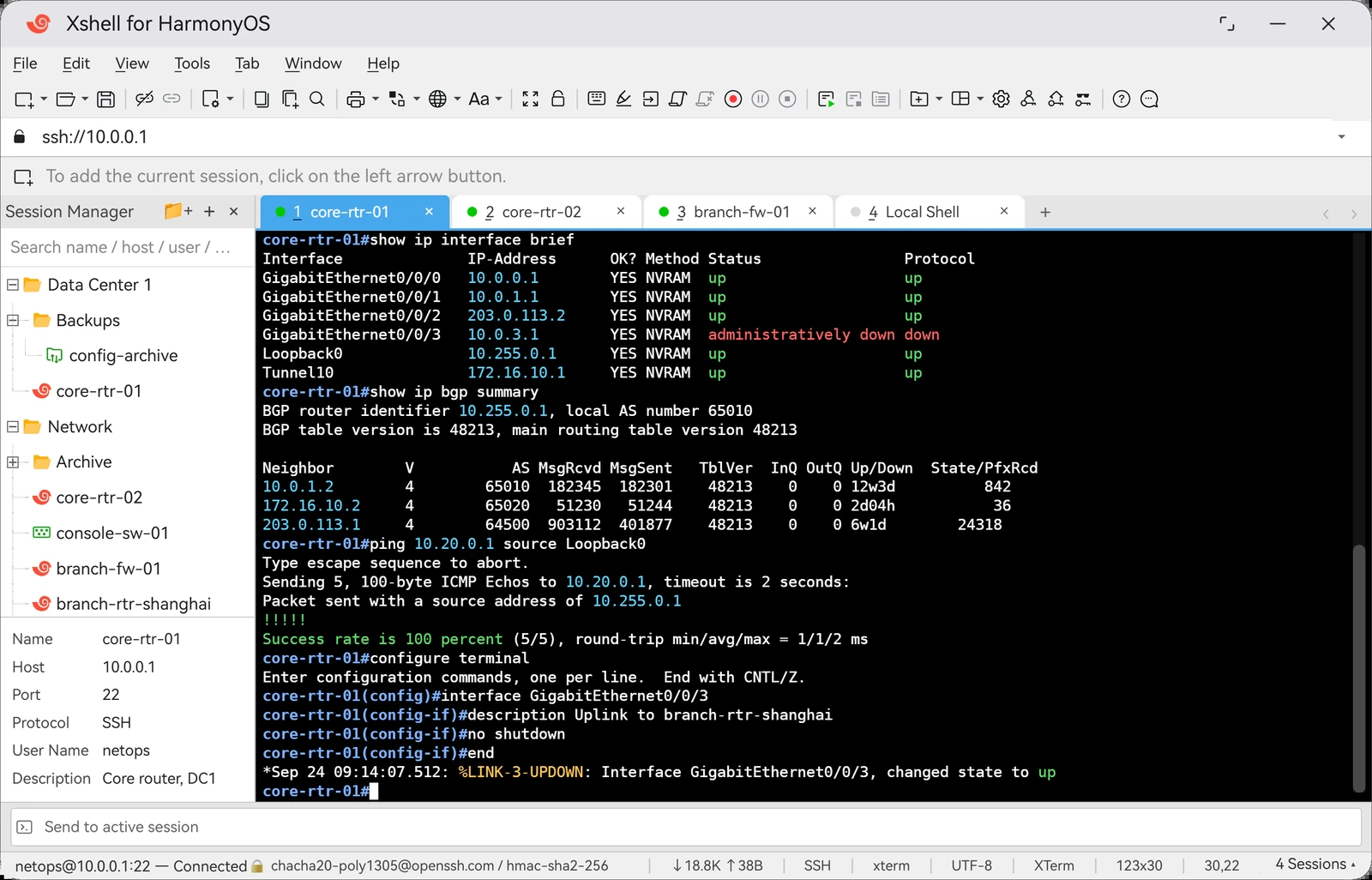


Click an image to see it full size.
Yes. This is an official Xshell application from the original developers of Xshell on Windows, NetSarang.
We are currently in Open Beta, and it is free for everyone. We will likely continue to have a free version even after the Open Beta, just like we do for Xshell on Windows.
Yes. Keep in mind that we are still in a beta period, so you are likely to encounter bugs and other issues.
No. Xshell on HarmonyOS is currently only available on PC. We may release a tablet and mobile version in the future.
There is no set time period for the Open Beta. We will exit the Open Beta once we are confident that Xshell on HarmonyOS will be stable for our users.
Please visit the HarmonyOS AppGallery to download Xshell for HarmonyOS.
Sessions can be migrated. Other settings cannot at this time, but will be available in the future. To migrate your sessions, go to File › Export in Xshell on Windows and export your sessions into a .xts file. Move that file to your HarmonyOS device, then in Xshell for HarmonyOS go to File › Import and select it.
Important: if you want to use your saved session passwords, set a Master Password in Xshell on Windows before you export, and the same Master Password in Xshell for HarmonyOS before you import.
Xshell for HarmonyOS is still in early development. We are working to reach full parity with Xshell on Windows. If there is something you are missing, tell us through the feedback form.
Yes. We are porting Xftp and Xmanager to HarmonyOS as well. We plan to release Xftp within this year, and Xmanager shortly after.
Please send bug reports, feedback and feature requests through our feedback form.
Good to know